Before Install #
Before installing the DiviSwift Booking plugin, make sure that you have the Divi theme installed and active on your site.
Installing the plugin through the admin panel #
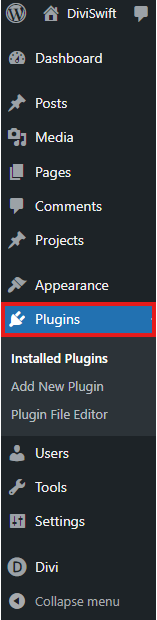
1. In the WordPress admin panel, go to the “Plugins” section.
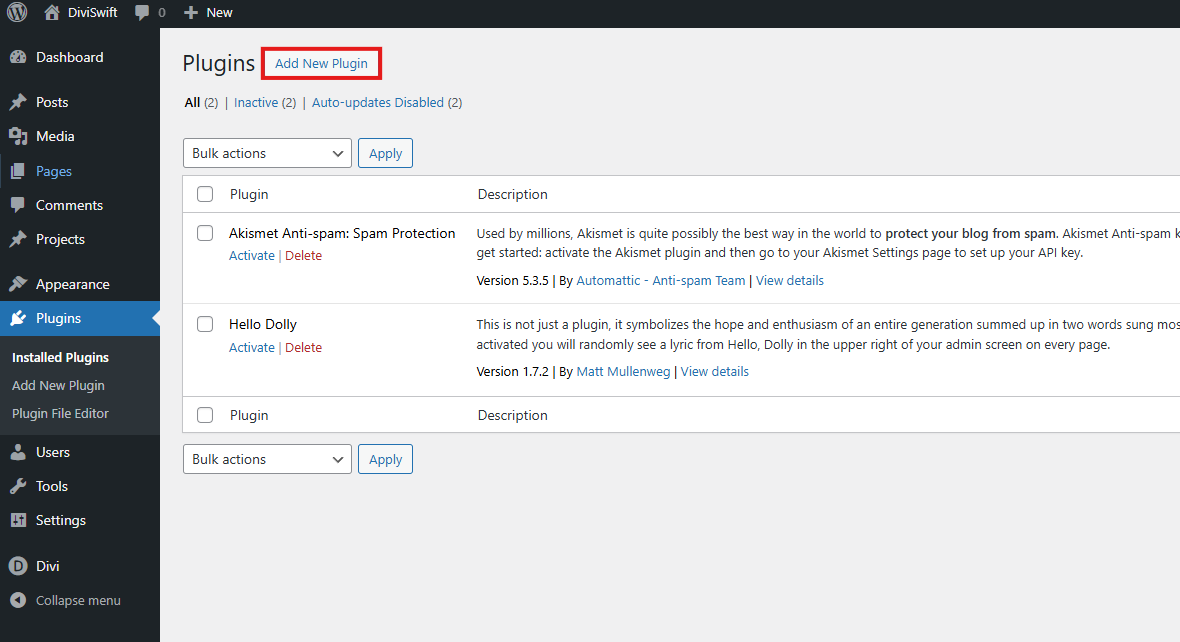
2. Press the “Add New Plugin” button.
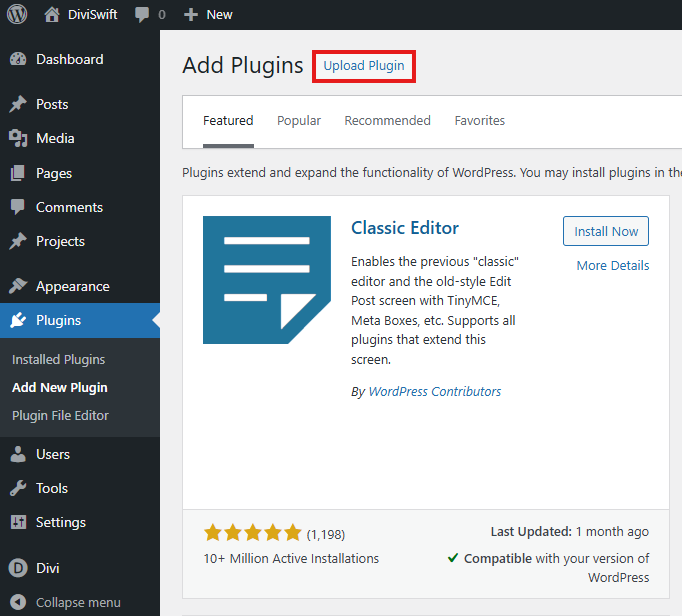
3. Press the “Upload Plugin” button.
4. Select the plugin file from your disk (the file must be in .zip format)
5. Install the plugin
6. After the notification that the plugin has been installed, press the “Activate Plugin” button.
Creating a calendar #
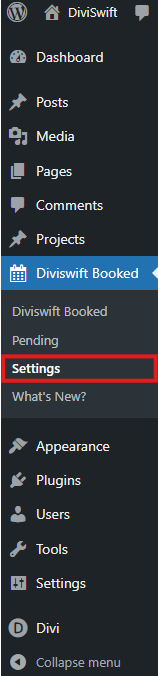
1. Go to the “DiviSwift Booked” plugin settings on the sidebar in WordPress.
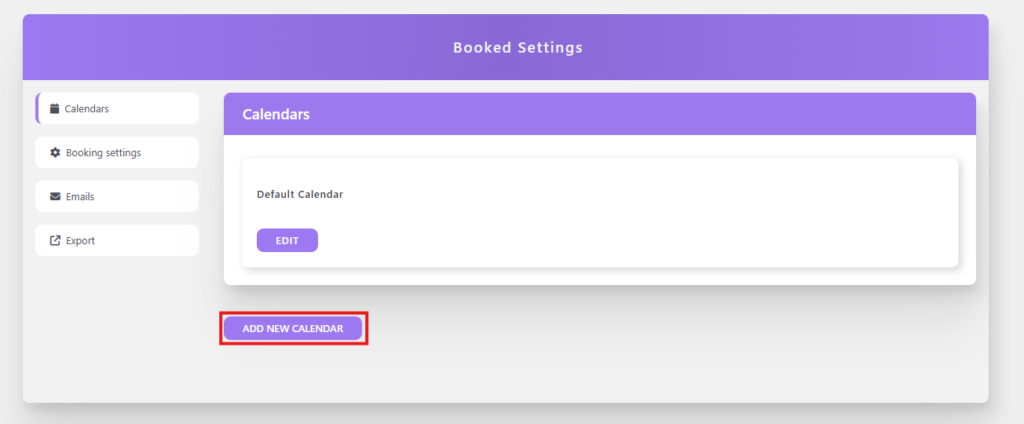
2. Press the “ADD NEW CALENDAR” button to add a new calendar.
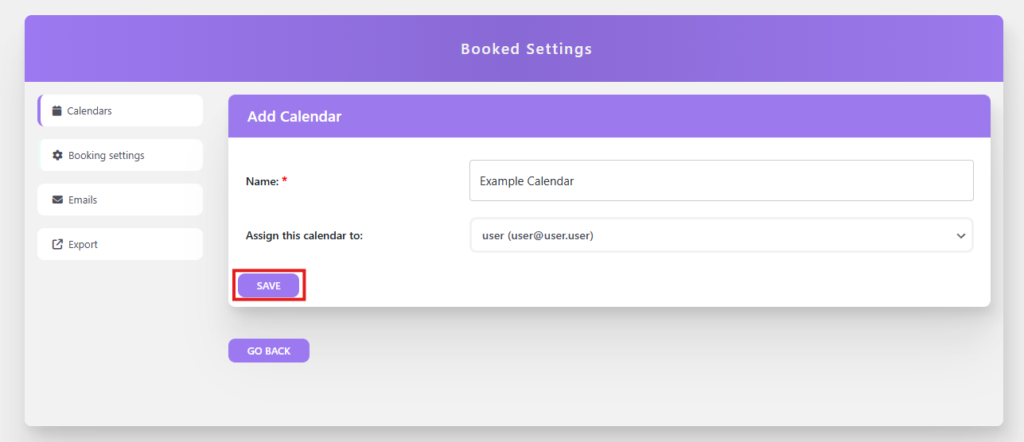
3. Enter the calendar name and assign a user to it. Then save the entered data by clicking the “SAVE” button.