
To add a calendar to the page (frontend), select “Pages” from the WordPress side menu.
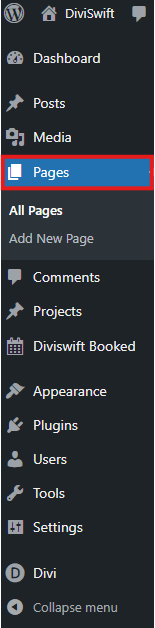
Next, find the page where you want to place the calendar and select the “Edit with Divi” option.

While editing the page with Divi, add a new module by selecting “Booked Calendar”.

Next, in the calendar editing window, expand the “Booked Calendar” option in the “Content” section and select the calendar you are interested in.

From now on, you can use the other calendar editing options. The calendar can be customized in the same way as any other element added through Divi.