Approval from the “Pending” tab #
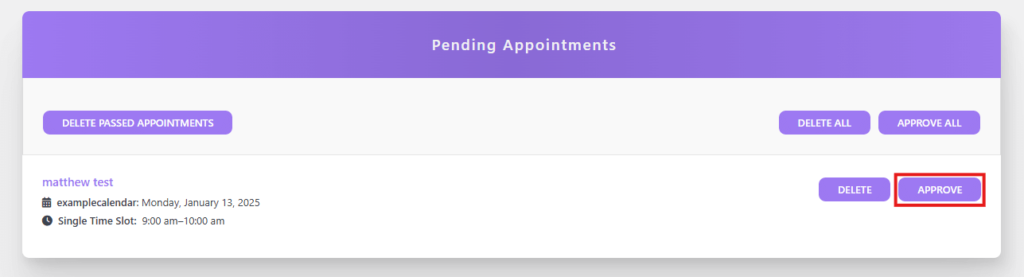
When the “New Appointment Default” is set to “Set as Pending” it is necessary to approve bookings made by users. To do this, select the DiviSwift Booked plugin from the sidebar in the admin panel, then select the “Pending” option. This will display all the booked appointments awaiting approval.
You can either reject or approve them. To approve a selected appointment, press the “APPROVE” button.
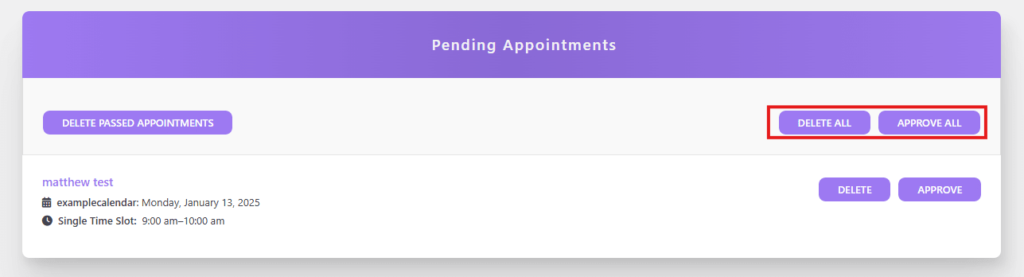
There is also an option to reject or approve all appointments at once. The buttons for these actions are displayed above the list of booked appointments.
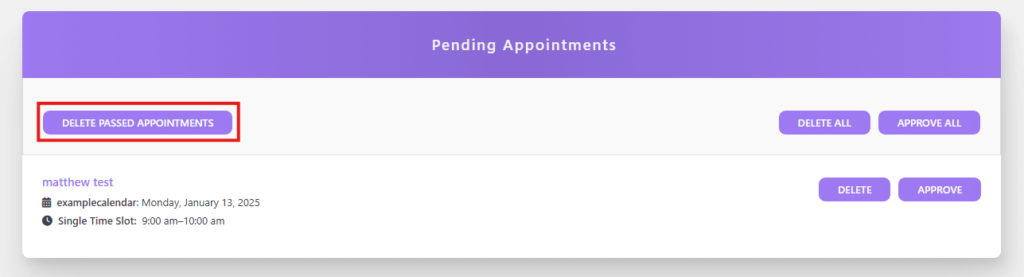
If the list displays appointments that have expired, you can remove them by selecting the “DELETE PASSED APPOINTMENTS” button.
Approval from the calendar #
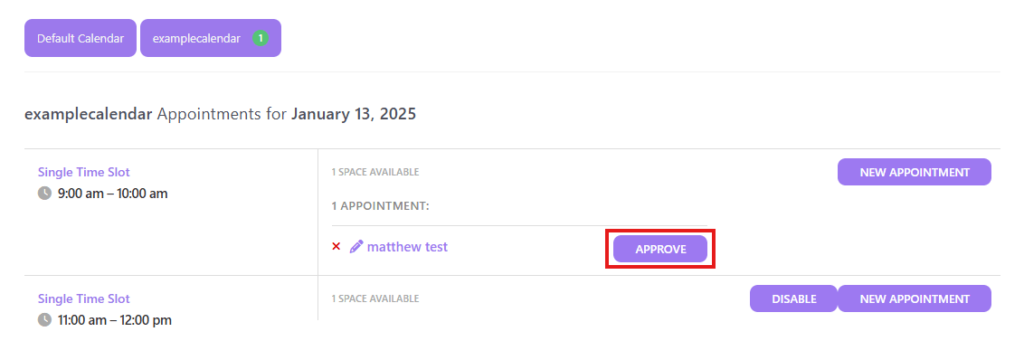
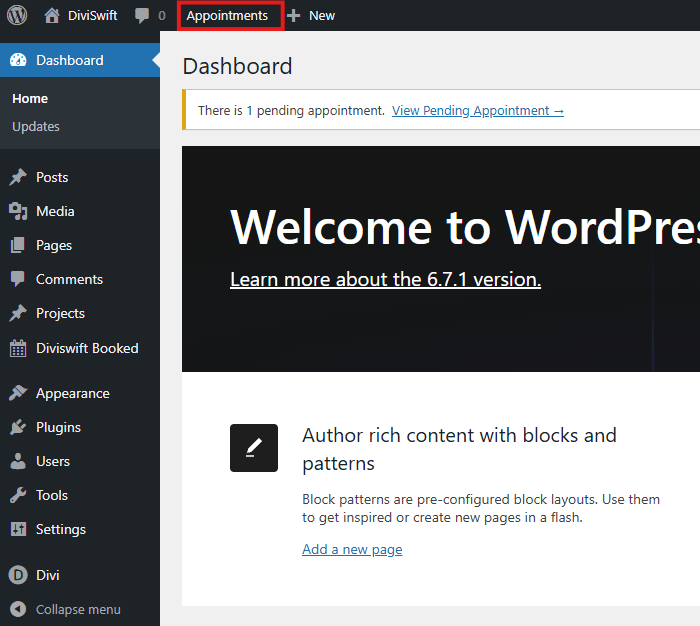
You can also approve booked appointments from the calendar, which allows you to view booked appointments. To do this, press the “Appointments” option on the top panel of WordPress.
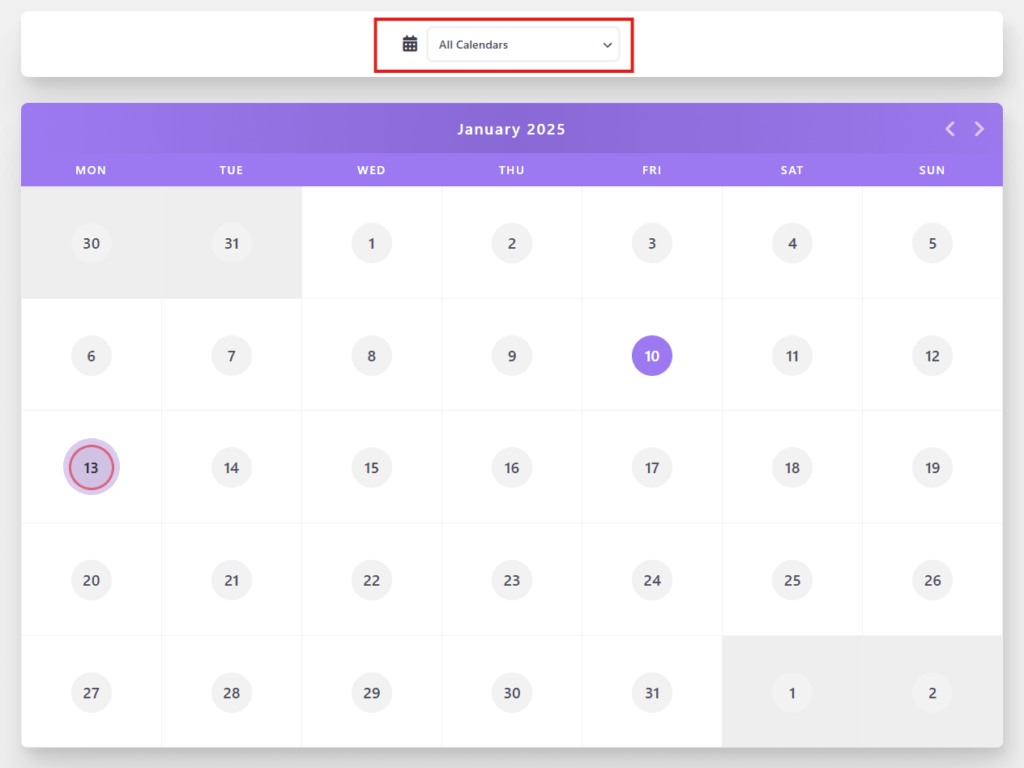
Displayed appointments can be filtered by calendar. The default option combines appointments made on all created calendars on the site.
Days with booked appointments will be marked accordingly on the calendar.
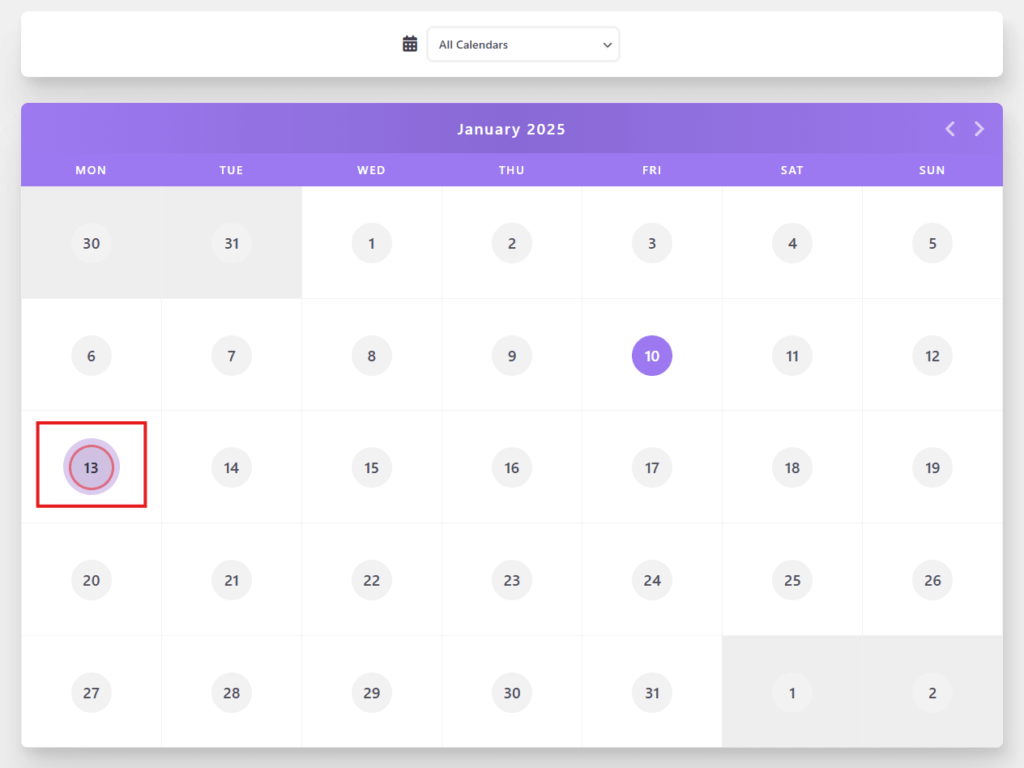
After selecting a day, a panel will appear below the calendar that allows you to:
- Approve pending appointments
- Disable the selected time slot from being booked
- Manually add a appointment
To approve a booked appointment, press the “APPROVE” button.