
Booked appointments can be edited. It is possible to move the appointment to another date and change the details of the person who made the appointment.
To do this, go to “Appointments” on the top panel of WordPress and then select the desired day from the calendar. After selecting the day, a panel will appear below the calendar showing the booked appointments and the details of the person who booked the appointment. To edit, click on the name of the person who booked.
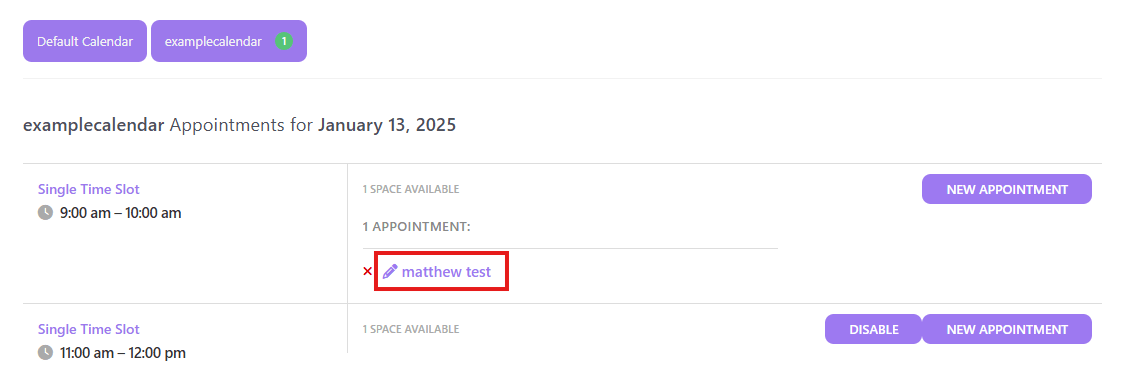
A panel with detailed appointment information will appear.
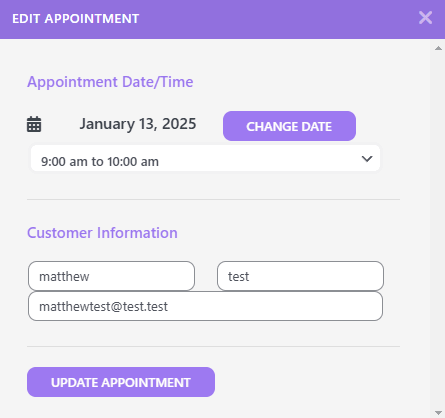
Editing the appointment #
To edit the booked appointment, select the desired date and time slot in the “Appointment Date/Time” section.
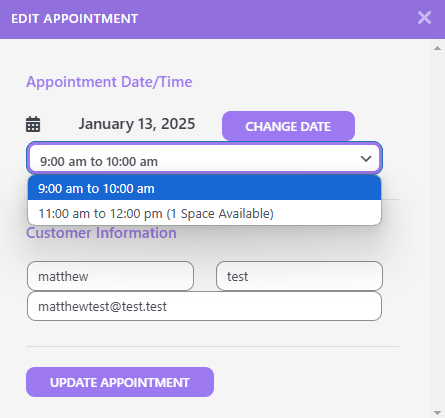
Save the changes by clicking the “UPDATE APPOINTMENT” button.
Editing customer information #
Client information can be changed in the “Customer Information” section.
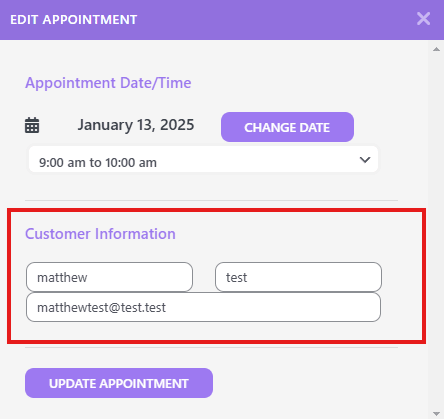
Save the changes by clicking the “UPDATE APPOINTMENT” button.